
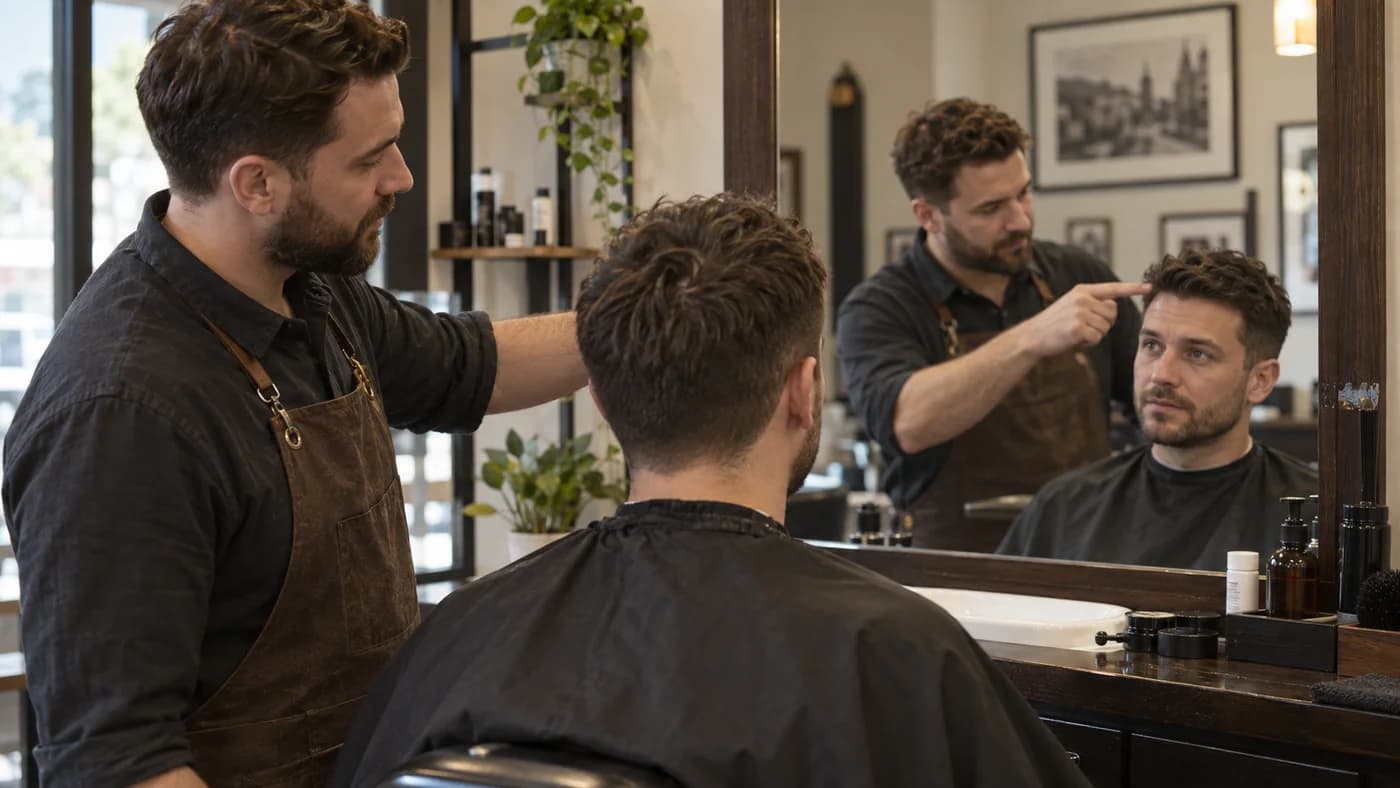
Before choosing an AI hairstyle tool, decide what you need from the result. You might want to browse different looks, or you might want one haircut to discuss at an appointment. Those are different tasks. This comparison looks at HairstyleAI at hairstyleai.ai and our own AI Hairstyle Fit workflow; it is written by AI Hairstyle Fit, not an independent review.
The workflow difference at a glance
We reviewed the competitor’s public homepage on October 5, 2026. Its style gallery and hair-color controls emphasize exploring options. Our workflow emphasizes one recommendation, its preview, and the cutting and care notes you can take to a barber. The table compares those described workflows, not measured image quality.
Scroll sideways for the full comparison
| What you need | AI Hairstyle Fit | HairstyleAI · hairstyleai.ai |
|---|---|---|
| Choose a direction | One recommended cut based on visible hair and your preferences. | Browse and select styles from a gallery. |
| Explore color | Original color retained by default; color changes need an explicit preference. | Hair-color selection, including an option to keep it unchanged. |
| Prepare for a haircut | Preview with a shareable barber card and daily styling notes. | Homepage describes downloading or sharing a preview with a stylist. |
| Know what is unverified | Hair-only instructions and image review cannot guarantee unchanged features. | We have not tested generated results or account-only features. |
Choose around the decision you are trying to make
If you already have a shortlist of styles or want to explore a new color, a gallery-led tool may be a useful starting point. If your question is “What could I reasonably cut from the hair I have now?”, AI Hairstyle Fit is designed around that constraint. It considers the length, density and texture visible in your photo, together with any preferences you add.
You can say you want to keep the fringe, avoid very short sides, or spend little time styling. With no preference entered, our default is one practical direction without assuming dye, a perm or extra length. You can make another request, but this is not a bulk gallery of many finished looks from one submission. That trade-off matters if variety is your main goal.
What our barber card adds to the preview
Our card puts the chosen image beside instructions for the fringe, top, sides, suggested back shape and finish. Daily care notes explain how to support the look after washing, whether product is needed, what happens without styling and when the shape may need a trim. The written instructions are prepared from the generated result and the original photo.
For example, a side-parted cut needs more than its name: enough fringe length to move sideways, the right amount of side coverage, and a part that works with the actual growth direction. These are details to agree on with your barber. The card gives you something to discuss; it does not replace checking your hair in person.
The competitor homepage did not describe a comparable cutting-and-care card when we checked. That is a limit of the public-page evidence, not proof that no such feature exists elsewhere in its product.
Face preservation is a requirement, not a quality score
Our image instructions ask the model to preserve visible facial features, skin detail, expression, clothing and background while changing scalp hair. A separate review checks the original against the result before preparing the written advice. Neither step justifies a promise that every image will preserve every detail.
Inspect the eyes, nose, mouth, jaw and skin texture yourself. Then check whether the new hair could come from your present length, color and density. If either check fails, do not take that image as a cutting reference. We have not run both services on the same set of photos, so this article cannot rank their realism, speed or accuracy. There is no evidence here for calling either tool the better image generator.
How to decide before committing to a cut
Start with your next appointment rather than a long feature checklist. If you want to discuss one conservative haircut, select a clear front photo, describe the length you want to retain, and use the preview to settle the outline. In AI Hairstyle Fit, photo selection and local preview can happen before signing in; generation requires an account. Check the current pricing page before buying credits.
If exploring many looks is the priority, assess a tool’s selection workflow and the current cost of each attempt. We have not verified a like-for-like checkout comparison, so we are not naming a price winner. Whichever tool you use, ask your barber which parts of the image are achievable through cutting, which need styling, and which would require growing the hair first.
Choose the workflow that helps you make your next hair decision. Our focus is a realistic haircut discussion supported by a preview and barber card. Compare the image with your original, then let your barber confirm the details a photo cannot show.
Quick answers
Which HairstyleAI does this article compare?
The product at hairstyleai.ai. Similar product names exist; this article does not compare hairstyleai.com or other services with similar names.
Is this a review of both tools’ generated images?
No. It compares the competitor’s public homepage with our current workflow. We have not tested matching photo sets across both tools or audited every feature behind login.
When is AI Hairstyle Fit a useful HairstyleAI alternative?
When you want one haircut direction constrained by your visible current hair, then a preview, cutting notes and a daily styling plan to discuss with a barber or stylist.