
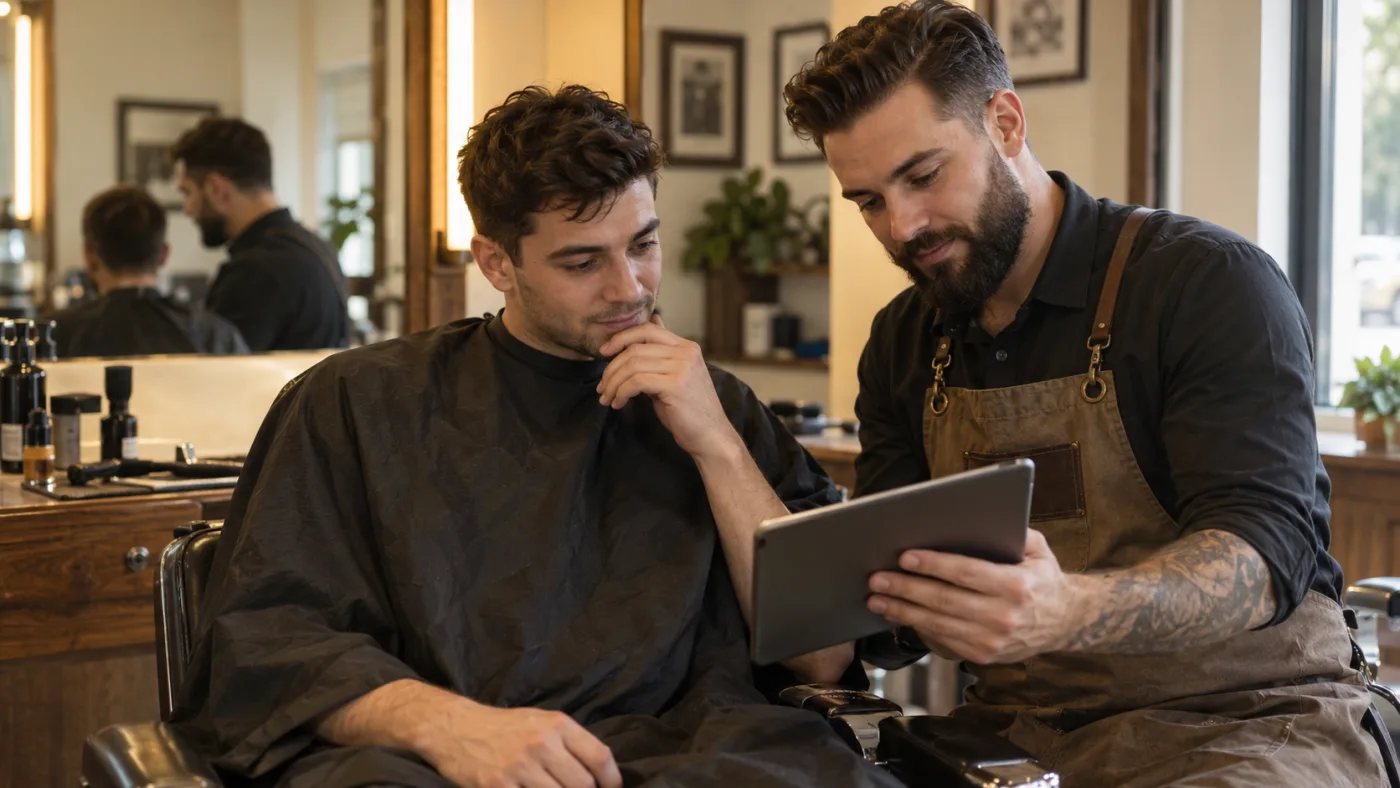
You can point at a haircut photo and still leave an important detail unsaid. Perhaps you like the loose fringe but want more coverage around your ears. Perhaps the height on top looks good, but you will not blow-dry it every morning. A barber card puts the chosen image and those decisions together so you can discuss them before the first cut.
What belongs on a barber card?
Start with a clear reference image and the name of the look. Add notes about the fringe, top, sides and back, followed by the finish you want to avoid. A useful card explains the shape: where the fringe should sit, how the top meets the sides, and whether you want to keep coverage around the ears. A haircut name alone leaves too much room for interpretation.
Keep the daily styling plan alongside the cutting notes. Height and separation in a preview may come partly from blow-drying or a small amount of product. Your barber should know if you want a cut that can air-dry, or if a few minutes of styling is realistic for you. That can change the plan before any length is removed.
How AI Hairstyle Fit makes the card
Choose a clear front photo and add any preferences that matter: keep the fringe, avoid a skin fade, or make morning styling quick. You can select the photo and see it locally before signing in; starting generation requires an account. If you leave the preference blank, the tool chooses one haircut direction from the visible hair and proportions.
The image instructions ask for changes to scalp hair only, with your face, skin detail, expression and surroundings preserved. The default is to keep your hair color, texture and density, without adding length or assuming you want a perm. After generation, a separate image review compares the original and preview, then prepares cutting and care notes. This review can also make mistakes, so compare the images yourself before using the result.
Use the barber-card action once you have a result you want to discuss. The card pairs that preview with the instructions; it is not a stock description attached to every haircut. Download what you want to keep: photos and results expire on this site 24 hours after upload.
An example you can adapt at the appointment
For a soft side-parted short cut, a conversation might begin: “I want the shape in this photo. Keep enough length on top to move it to the side without making it stand too high. Leave the fringe long enough to fall loosely; I do not want a heavy straight line across my forehead. Keep some coverage at the sides and blend it into the top. Please check my growth direction before deciding where the part should sit.”
Continue with the limits: “Please do not thin the top heavily or add a perm. If the back cannot be judged from this photo, suggest a shape that works with what you can see in person. Show me which parts need blow-drying and how much product to use.” This is an example for that particular cut, not a request that suits every photo. Replace it with the instructions from your own result.
What your barber needs to check in person
A front photo cannot establish the full back shape, hidden hairline, crown pattern or exact available length. Treat a suggested back contour as a proposal. If a card includes a length range, ask your barber to check the existing length, texture and how much the hair springs up when dry. The range is a design suggestion, not a measurement taken from the photo.
Point out anything in the preview that seems unrealistic. A cut cannot add density to sparse areas, turn naturally straight hair into lasting curls, or make short hair reach the shoulders. If the image suggests a change your hair cannot support today, agree on a more conservative version or a grow-out plan. Do not ask the barber to reproduce a changed face or an invented hairline.
Use the card while the plan is still adjustable
Show the image and cutting notes before the appointment starts, then agree on the fringe and sides first. Those are often the details you notice immediately in the mirror. Mention what you want to keep as clearly as what you want removed. If a sentence on the card does not make sense, ask the barber to explain or revise it.
Before leaving, ask for a short demonstration of the styling steps. Find out where to direct the dryer, whether a comb is needed, and where a small amount of product goes. Ask what the haircut will look like on a day when you do nothing to it. Keep the card as a reference for the next trim, with any changes you and your barber agreed on.
Bring the preview, explain the details you care about, and leave room for your barber to adjust the plan to your real hair. Save the card before your photos expire so you can take it to the appointment.
Quick answers
Is a barber card the same as a haircut reference photo?
It includes a reference photo plus written cutting and styling notes. The photo shows the intended shape; the notes make details such as fringe direction, side coverage and maintenance easier to discuss.
Can I use it for long hair or show it to a stylist?
Yes. The discussion can cover layers, face-framing sections and weight as well as shorter cuts. Use the guidance from your own result and let the stylist check the length and texture in person.
Does the card guarantee the same haircut as the preview?
No. Actual density, curl, growth direction and styling affect the result. The card gives you a starting point for agreeing on a cut with the person doing it.