
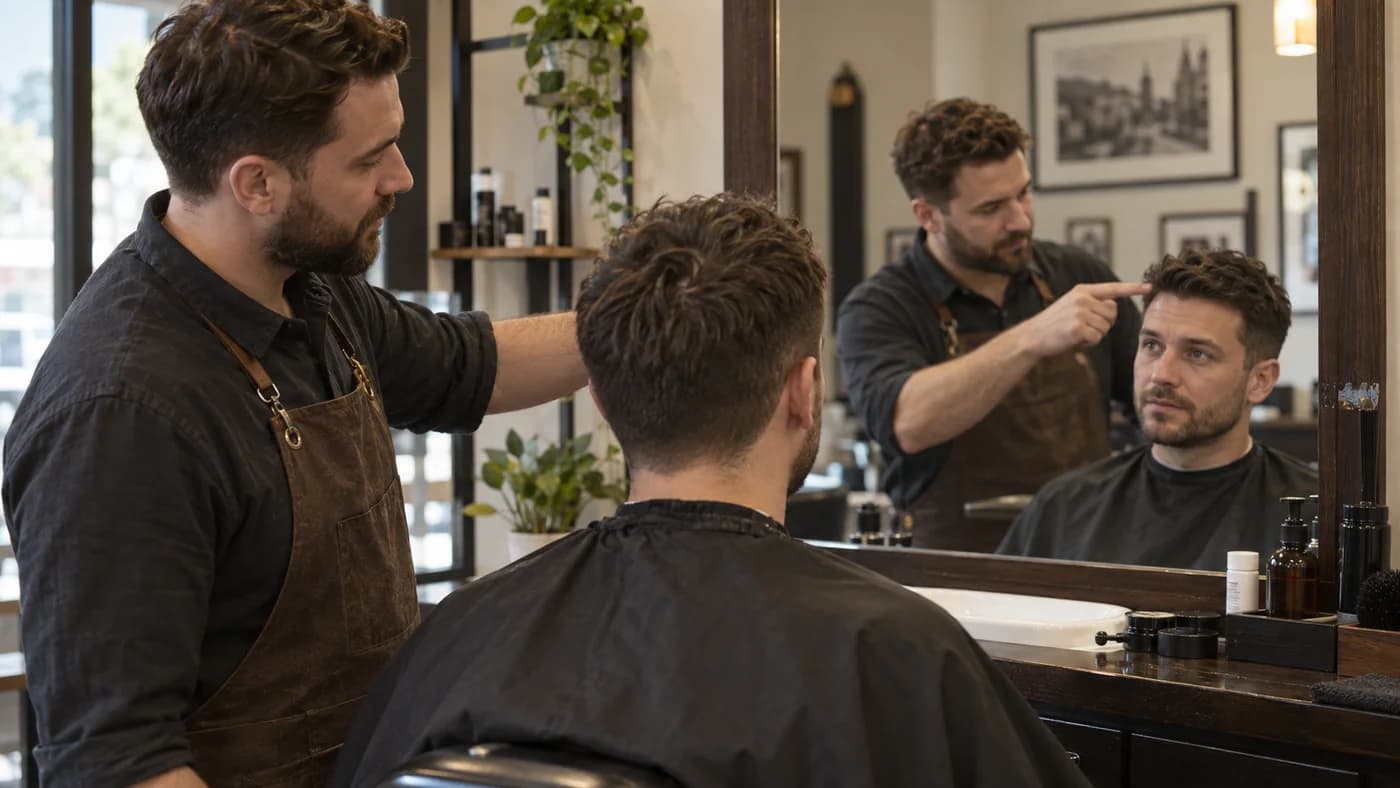
A haircut simulator can help you picture a change before an appointment, but the label does not tell you how the image is made. A hair filter may place a preset shape over your selfie; an image editor may generate new hair around it. Judge the result by what stayed unchanged and whether the proposed cut can come from your actual hair.
What a haircut simulator can help you compare
A useful preview makes a decision visible: a shorter fringe, less width at the sides, a different part, or a lower top. It can help you explain that preference to a barber when a style name feels vague. It cannot physically inspect your hair or confirm the hidden shape at the back.
Start with one specific change. If the tool changes length, color, face and lighting together, you cannot easily tell which part you liked. Keep original color unless color is the decision you are making. In AI Hairstyle Fit, the default brief keeps the original color and asks for a practical cut from the visible current hair.
Inspect your face before the new hairstyle
Slide between the original and result across the eyes, nose, lips and jaw. Check expression and skin texture too. A nicer-looking image is not necessarily a better haircut if it also smooths the face or changes its proportions.
Then compare accessories, clothing, background and framing. A changed camera angle can alter how much height the top seems to have. Our image instructions request a hair-only edit, but they are not a guarantee of identical pixels. Discard a mismatched preview rather than taking it as evidence that the haircut suits you.
Check what the image has invented
Look for hair reaching farther than your current length, a fuller hairline, new curls or extra density. Those may be interesting future possibilities, but they are not all achievable through cutting. A short fringe cannot become a long swept front during one appointment.
Moving a fringe can also reveal forehead or hairline details the input never showed. Treat those newly visible details as uncertain. If a design depends on a large invented area, choose a more conservative preview or provide a clearer photograph when the service allows it.
Test the picture against an ordinary morning
Ask what holds the top up and what keeps the sides flat. If the hair has a polished bend, find out whether that needs a dryer, a brush, a perm or a hot tool. A preview should not quietly turn a complex salon finish into a no-effort claim.
Say how much styling you are willing to do before generating. “No perm, keep my natural wave, and a routine I can manage before work” gives the model a useful boundary. The barber still needs to confirm whether the proposed finish fits your hair in person.
Take a reference and a plan, not a promise
Save the result you have checked and discuss the fringe, top and sides separately. Ask the barber which parts can be cut now and which depend on growth or styling. A front image does not describe every angle, so agree on the back at the appointment.
AI Hairstyle Fit can assemble a barber card from the generated image and its cutting and daily-care notes. Review that text against the picture before sharing it. Download the content you want to keep: on-site photos and results expire 24 hours after upload. A preview is most useful when it leads to a clear conversation, not an expectation of an exact duplicate.
Use a haircut simulator to compare a specific change on your own photo. Keep the face honest, separate cutting from styling, and take only a believable reference into the chair.
Quick answers
Is every haircut simulator an AI editor?
No. Some tools use preset overlays, while others generate edits. The name alone does not establish the technique or accuracy.
Can I use a free hair filter as a barber reference?
Yes, if the result still resembles you and the length and density are realistic. Explain which parts you want rather than asking for an exact copy.
Does a photo establish my skin undertone?
No. Lighting affects the apparent complexion. Treat it as a visual cue and do not infer a precise undertone from one picture.