
01
How to request your buzz cut preview
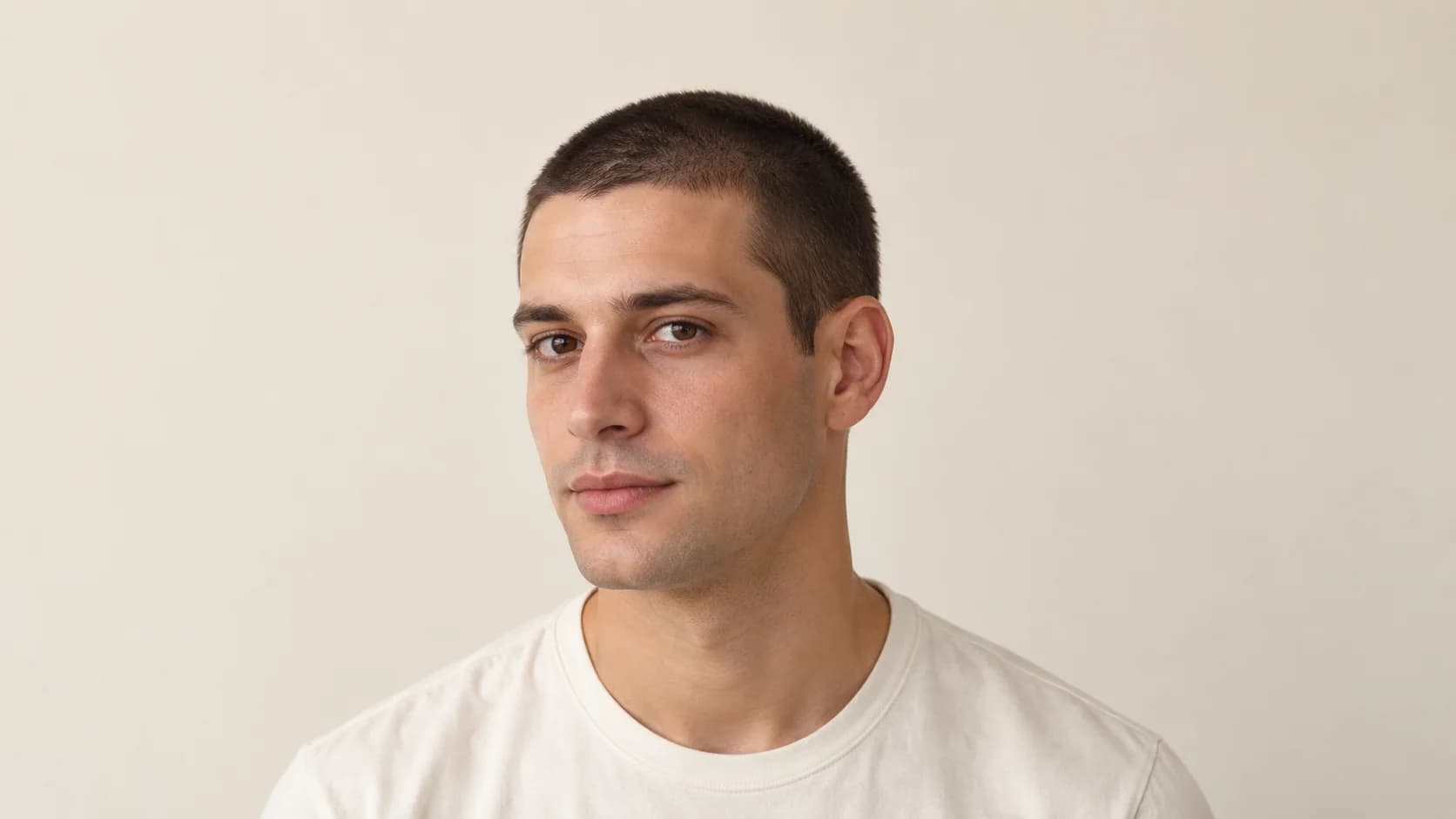
Choose a front photo in even light, with your hair and ears visible. Keep hats and beauty filters out of the picture. Write a specific preference in the box below, for example: “I want a conservative buzz cut with visible short hair, my natural hairline and no skin fade. Keep my colour and actual density.” Shorter hair will expose areas your present fringe may hide.
Start generation when you are ready to sign in. The tool suggests one feasible direction rather than offering a fixed catalogue of filters. It may adapt the request to your visible hair. Afterward, move the comparison slider and inspect the face before judging the haircut. If the result is useful, download the preview and barber card within the site’s 24-hour photo retention period.
02
Buzz cut vs crew cut filter: choose what stays on top
A buzz cut usually has a short, fairly even length across the head. A crew cut retains more length on top with shorter sides and back; Wahl’s haircut guides distinguish the shapes this way. If you want some front texture or a little lift, include that preference instead of simply asking for “the shortest cut.”
Searching for a crew cut filter may bring up social effects as well as photo tools. This page lets you request a crew cut direction through the same photo workflow; it does not install an effect in a social app. Say what you want to retain on top and whether you accept a close taper. A reference showing a longer front may fit your intention better than an all-over buzz.
| Request | Visible change | Agree on at the appointment |
|---|---|---|
| Even buzz cut | Short outline without a long fringe | How much scalp visibility you accept |
| Crew cut | More top length and shorter sides | Front length and whether it needs styling |
| Buzz cut with a taper | Gradual change near ears and nape | Where the taper begins and whether skin is exposed |
03
Check the hairline and density honestly
With a very short cut, a long fringe no longer provides the same coverage. A generated image cannot confirm a hairline hidden by your current hair. Ask the barber to examine it before agreeing on a close length. The same applies to the back of the head and crown: a front photo does not show their full outline.
Compare visible sparse areas with your original. Reject a preview that fills them in or gives you a newly straight hairline. Also check the eyes, jaw, expression and skin texture. The intended edit changes scalp hair only, but a result can still make mistakes. Use it to discuss shape, not as proof of exact scalp coverage or a particular clipper setting.
04
Is this a free buzz cut filter with no signup?
You can select a photo for local preview and fill in preferences without an account. AI generation requires login. A new eligible account receives 10 welcome credits after email verification; Google sign-in does not require a separate email code. One generation costs 10 credits, so that welcome balance covers one preview. Later generations need sufficient credits.
Local photo selection shows your original, not an AI buzz cut result. If you specifically need anonymous AI generation, this workflow does not provide it. Read the current pricing before starting another preview. You can also take the cutting brief below to a barber without generating an image.
05
What to tell the barber after your preview
Try: “I want the short outline in this picture, with some visible hair left. Please check my natural hairline, crown and head shape before choosing the length. Start conservatively and show me the intended length. I do not want a skin fade or a sharply altered hairline unless we discuss it.” For a crew cut, add how much front length you want to keep.
Your barber should confirm the clipper setup and the finish on your actual hair. A guard number does not guarantee the exact look of a generated image. Ask how often you will need a trim to maintain the outline you choose. A buzz needs little direction-setting at home; a longer crew-cut front may need dampening or a small amount of styling product after sleep.
Quick answers
Can I try a buzz cut filter without signing up?
You can pick a photo and write preferences without signing up, but generating an AI preview requires login and 10 credits. Local preview displays your original photo. Eligible new verified accounts receive 10 welcome credits.
Can I request a crew cut instead of a buzz cut?
Yes. Write that you want more length on top and a shorter side outline, plus any limits on a fade or styling. The tool proposes one feasible haircut; there is no separate fixed crew cut effect or guarantee of an exact preset.
Will a buzz cut preview show my real hidden hairline?
No. The image cannot confirm a hairline concealed by your fringe or the unseen back of your head. Ask your barber to check them in person. Do not trust a generated hairline or density that differs from visible areas in your original.
Use a buzz cut filter to start a length conversation. Keep only a preview that preserves your identity and visible hair conditions, then confirm the short outline with your barber.
Choose your photo and preferences